As an account owner, you can cancel access for any delegate at any time.
Note: If you invited someone to access your account but your invitation isn’t accepted within 48 hours, the invitation expires and you don’t need to follow these steps.
- Go to your WNYPress Delegate Access page. You might be prompted to sign in.
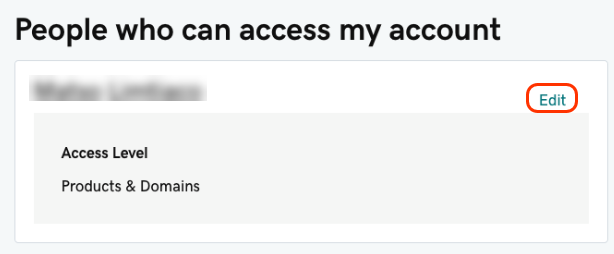
- In the People who can access my account section, next to the name of the delegate you want to remove, select Edit.
- Under the Save button, select Delete.
Related step
- Invite someone else to access your account.
More info
- If you’re not sure what a delegate user is, learn about delegate access.
- Read about the different access levels you can grant your delegates.