Step 3 of the Set up my Professional Email series.
Use webmail to access your email from any browser. If you signed in to webmail to add your recovery email address, skip to step 4.
- Go to webmail (we recommend bookmarking this sign-in page).
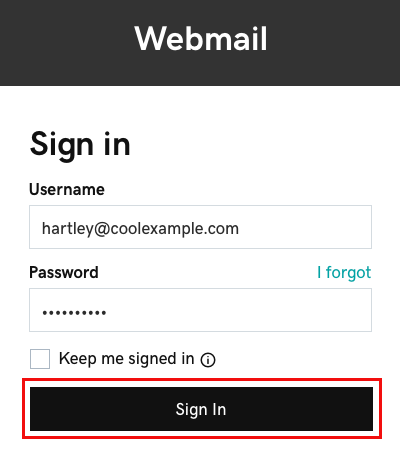
- Enter your email address and password (your WNYPress username and password won’t work here).
- If your web browser auto-fills your username and password, make sure it’s using your Professional Email or Professional Email powered by Titan email address and password, not your WNYPress account credentials.
- Select Sign In to open webmail and see your inbox.
Your email and password are good to go! Now you’re ready to add your email to your phone, desktop or other devices.