You can access the WordPress Dashboard for any of the sites in your Managed Hosting for WordPress plans. From the Dashboard, you can edit the site anytime.
- Go to your WNYPress product page.
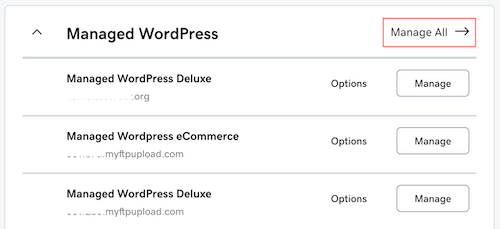
- On your My Products page, next to Managed Hosting for WordPress, select Manage All.
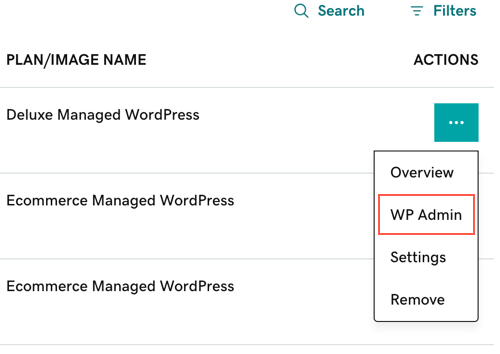
- For the website you want to edit, select WP Admin from the
 menu.
This launches the WordPress Dashboard, where you build and edit the website.
Note: If your site is in the process of changing domains, you will not be able to sign in for a short duration.
More info
- To sign in to the WordPress Dashboard no matter how or where you set up your WordPress site, read Sign in to WordPress.
- Build my WordPress site