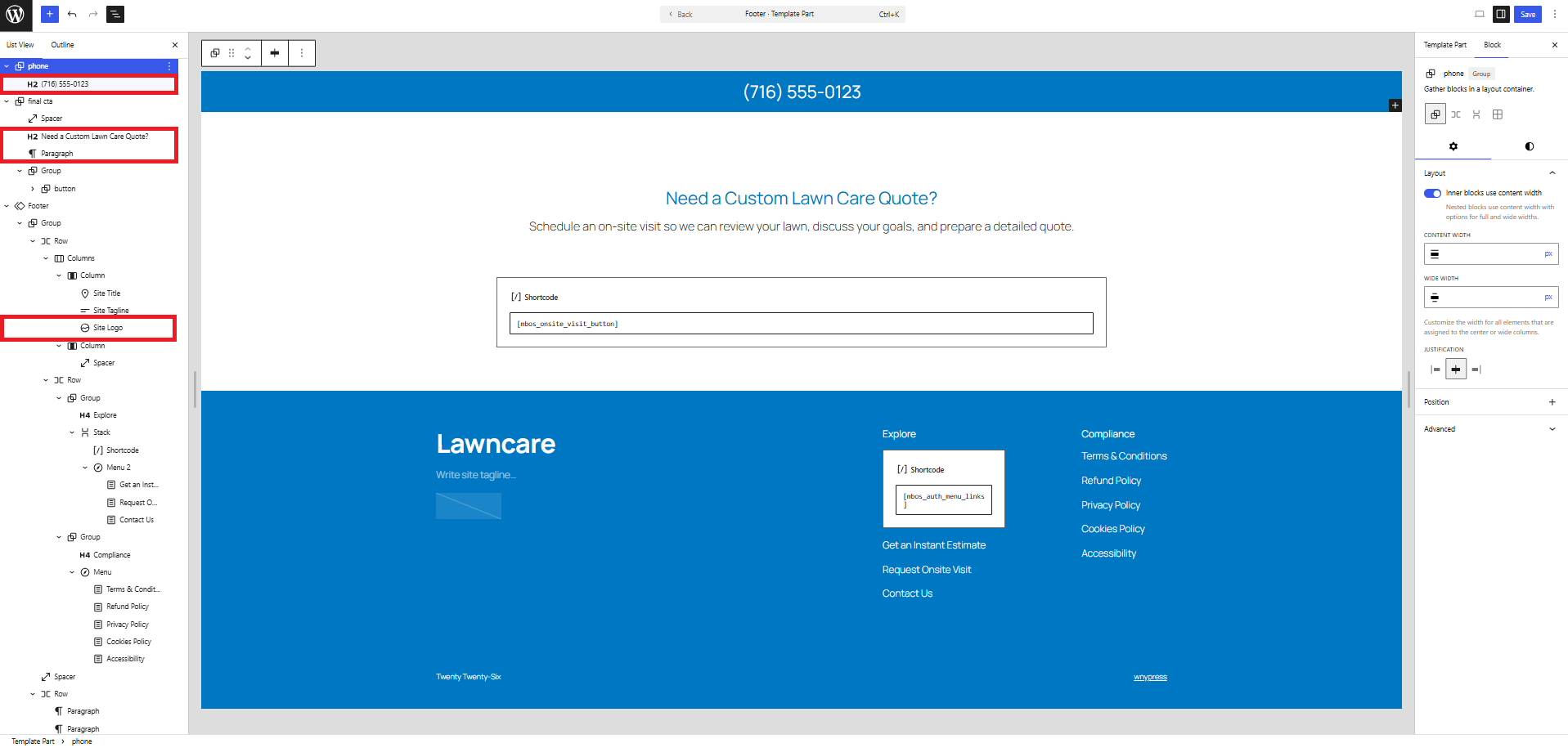
Personalize the Footer and On-Site Visit call to action
Chapter 5.6 Verified · Installation & Setup Edit the Footer template part, not the homepage content. Navigate: Appearance → Editor → Templates → Pages → Footer → Edit Original Figure 5.6 · Screenshot captured from the verified demonstration installation. Sample business information is illustrative. What does this control? The Footer contains the phone number, business…
Published
Chapter 5.6
Verified · Installation & Setup
Edit the Footer template part, not the homepage content.