Chapter 5.1
Open the correct landing page in Gutenberg
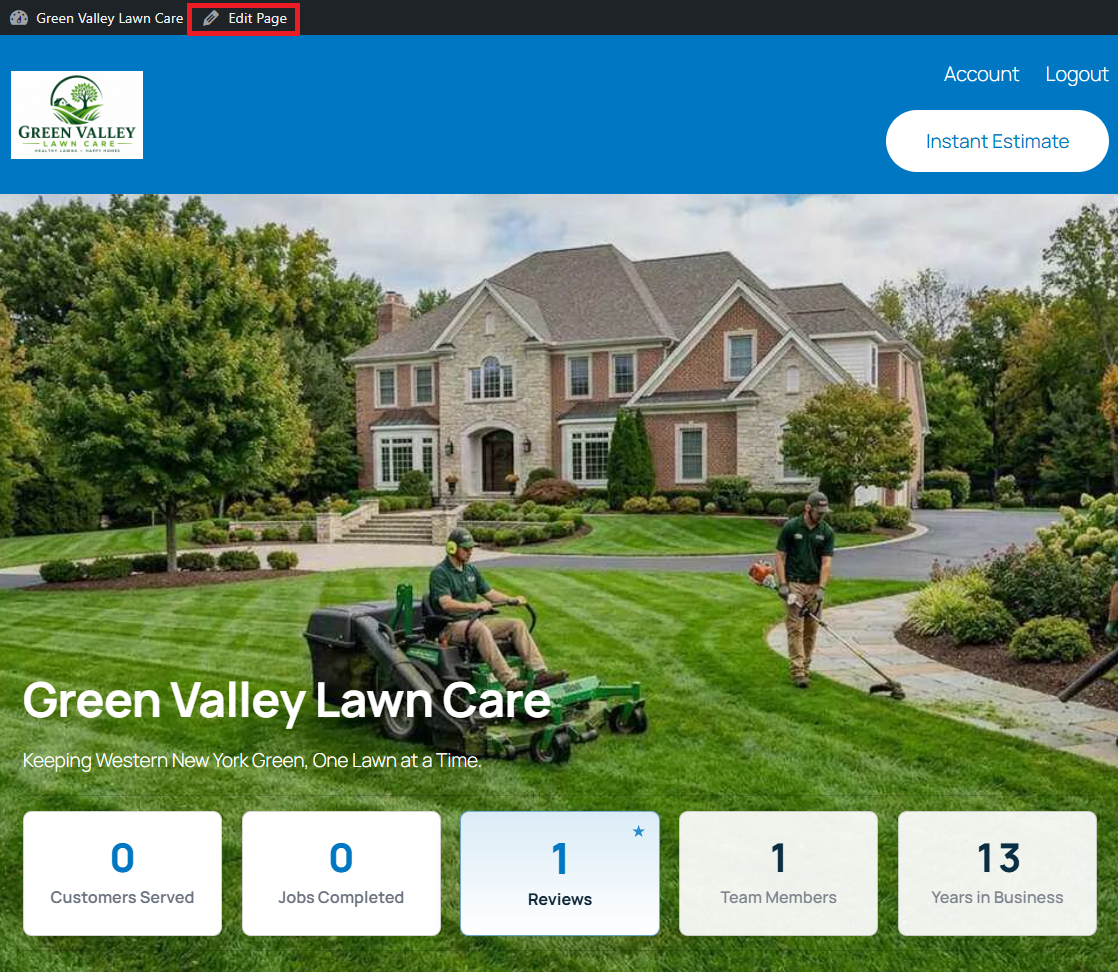
Visit the public landing page while logged in, then click Edit Page.
Navigate: Public Website → Edit Page
What does this control?
This workflow opens the exact page seen by visitors.
How do I configure it?
- Log in to WordPress.
- Visit the public landing page.
- Click Edit Page in the admin bar.
- Open List View to navigate the seeded sections.
How do I verify it?
- Confirm the editor title matches the public homepage.