Chapter 5.4
Personalize the Service Area section
Update the heading and explanatory copy; the map and address checker are powered by MBOS settings.
Navigate: Gutenberg → List View → Area Map
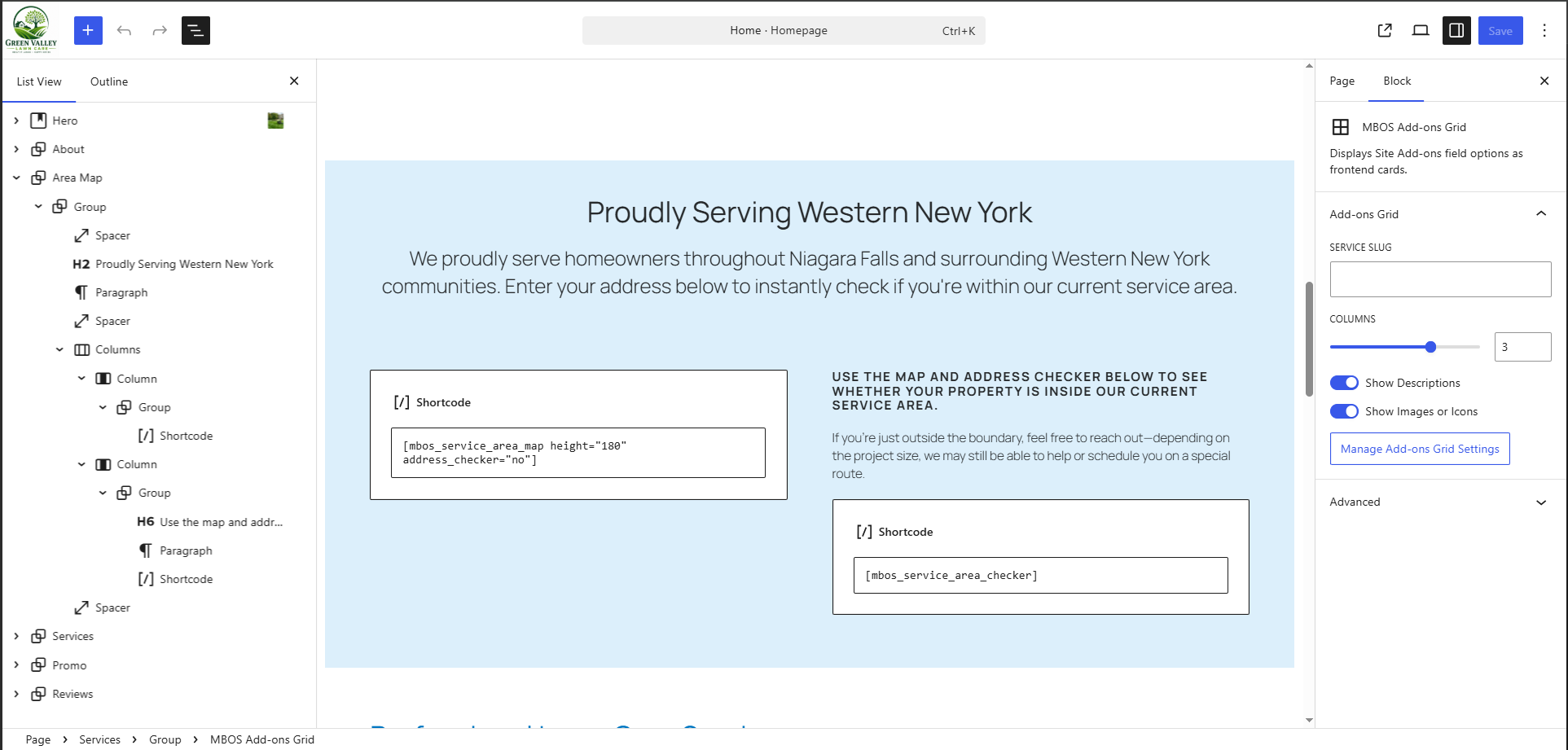
What does this control?
Explains coverage and displays the MBOS service-area map and checker.
How do I configure it?
- Update the heading and paragraph.
- Keep the MBOS map and checker shortcodes intact.
- Configure ZIP codes and APIs in Chapter 6.