Chapter 6.1
Add my business information to MBOS
Stores the primary business identity and contact defaults used throughout MBOS and on invoice templates.
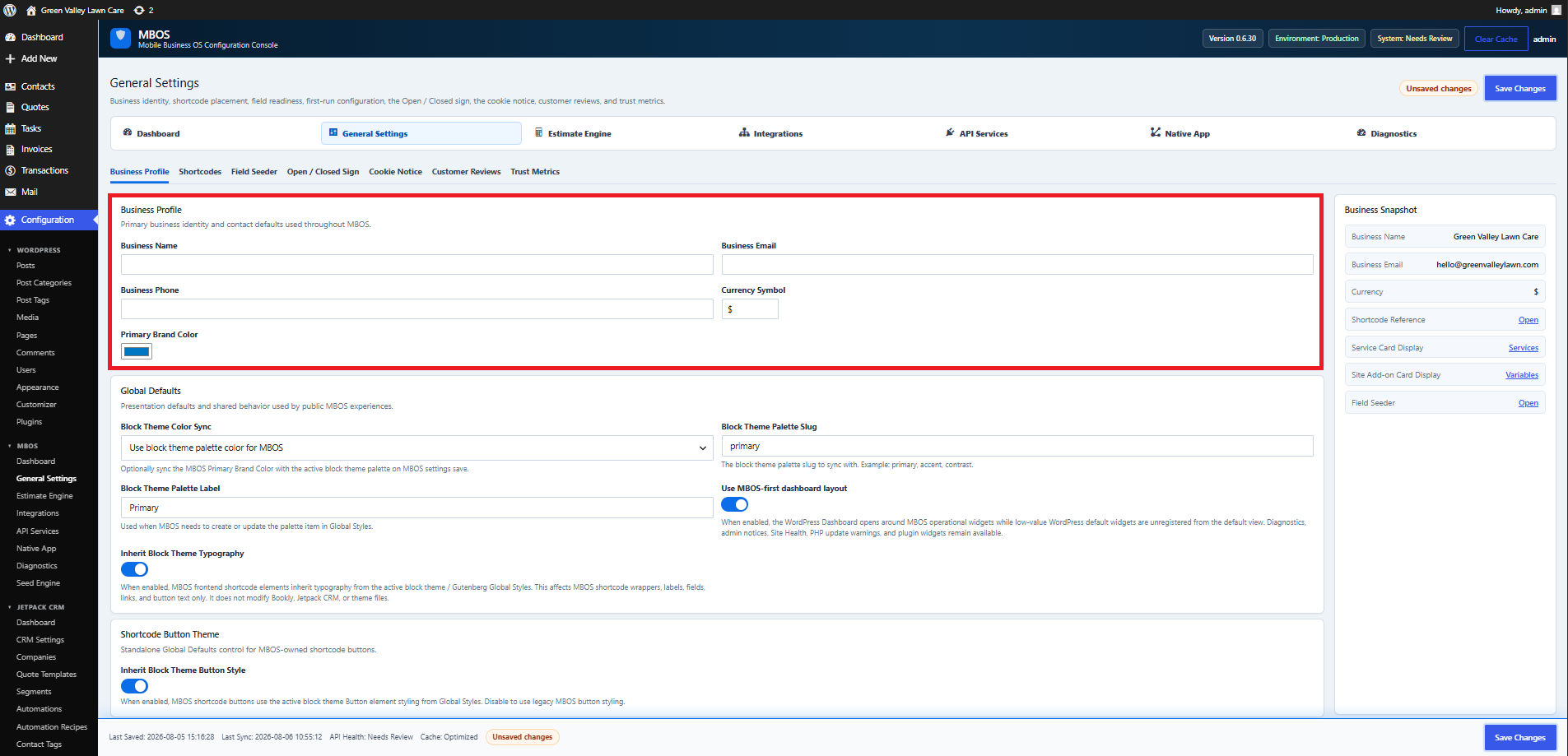
Navigate: MBOS → General Settings → Business Profile
What does this control?
Stores the primary business identity and contact defaults used throughout MBOS and on invoice templates.
How do I configure it?
- Enter Business Name.
- Enter Business Email.
- Enter Business Phone.
- Review the Currency Symbol and Primary Brand Color.
- Click Save Changes.
Why is this useful?
Accurate details ensure customer-facing documents identify the correct business.
How do I verify it?
- Confirm the Business Snapshot matches the entered values.
- Preview an invoice later and verify the business information.