MBOSKnowledge Center
Living documentation · v0.7
Chapter 4.9

Update WordPress safely

CapturedInstallation & Setup

Reviews available WordPress core, plugin, and theme updates.

Navigate: WordPress Dashboard → Settings / Tools
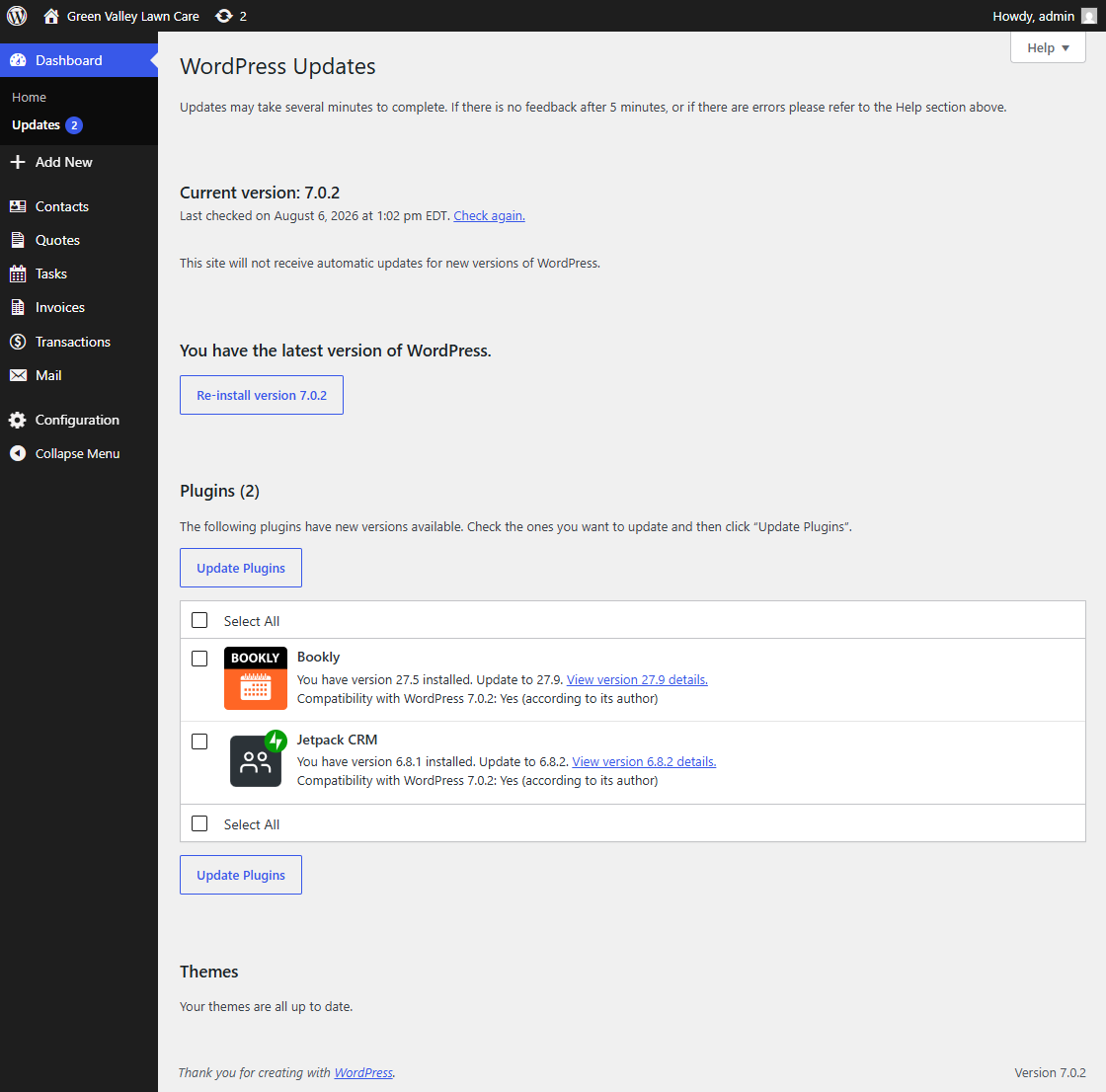
Screenshot for How do I update WordPress safely?
Figure 4.9 · Screenshot captured from the verified demonstration installation. Sample business information is illustrative.

What does this control?

Reviews available WordPress core, plugin, and theme updates.

How do I configure it?

  1. Review the screen.
  2. Change only settings required by the deployment.
  3. Save changes where applicable.
← How do I configure WordPress Permalinks?How do I open the correct landing page in Gutenberg? →