Chapter 6.4
Set the year my business started
Calculates Years in Business and displays credibility metrics in the Hero.
Navigate: MBOS → General Settings → Trust Metrics
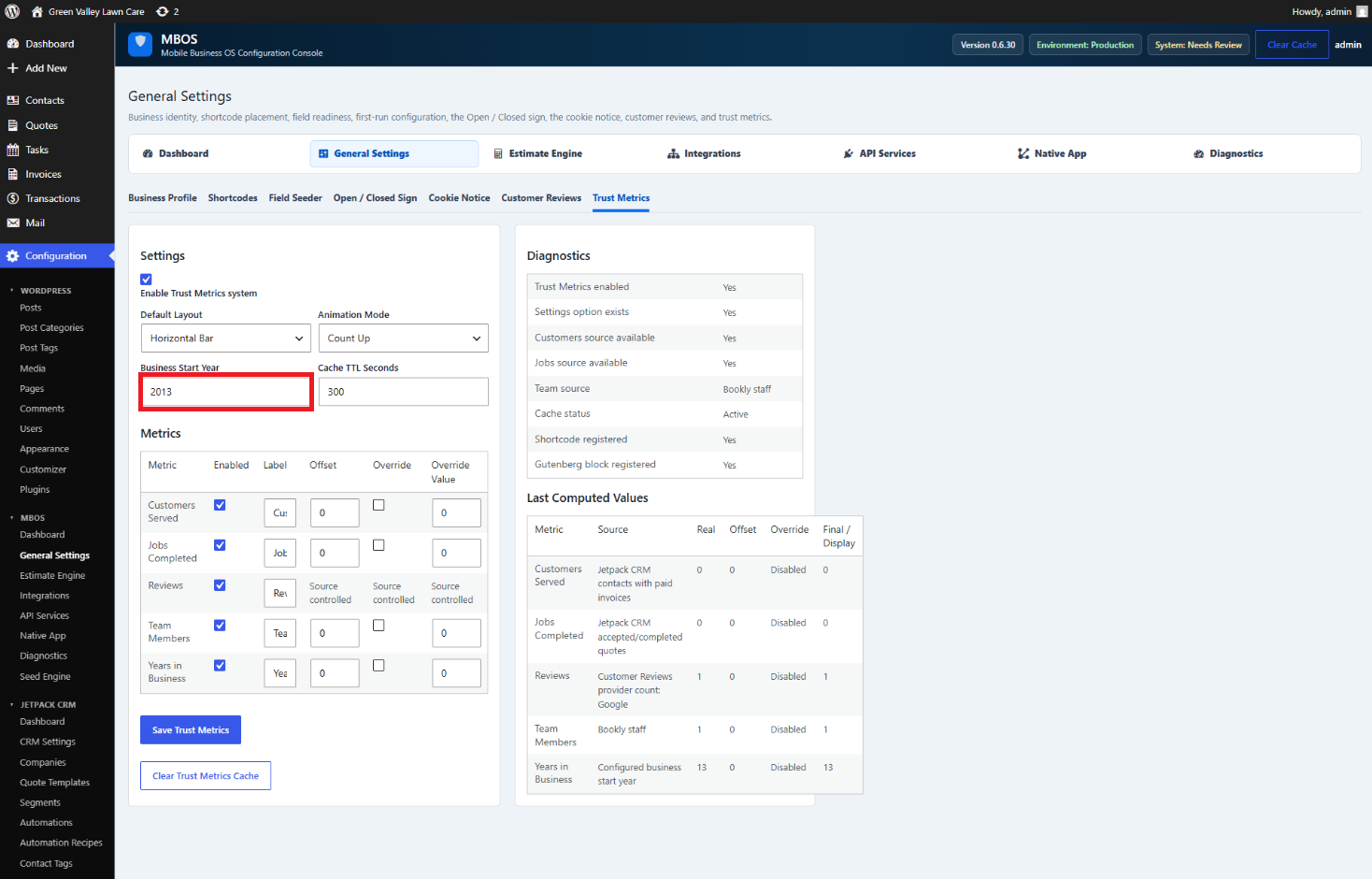
What does this control?
Calculates Years in Business and displays credibility metrics in the Hero.
How do I configure it?
- Enter the four-digit Business Start Year.
- Confirm Years in Business is enabled.
- Click Save Trust Metrics.
Why is this useful?
MBOS updates the displayed number automatically as calendar years pass.
How do I verify it?
- Review Last Computed Values.
- Confirm the public Trust Metrics block displays the expected number.