Chapter 6.7
Connect RentCast property data
Connects optional property-data lookups and validation workflows.
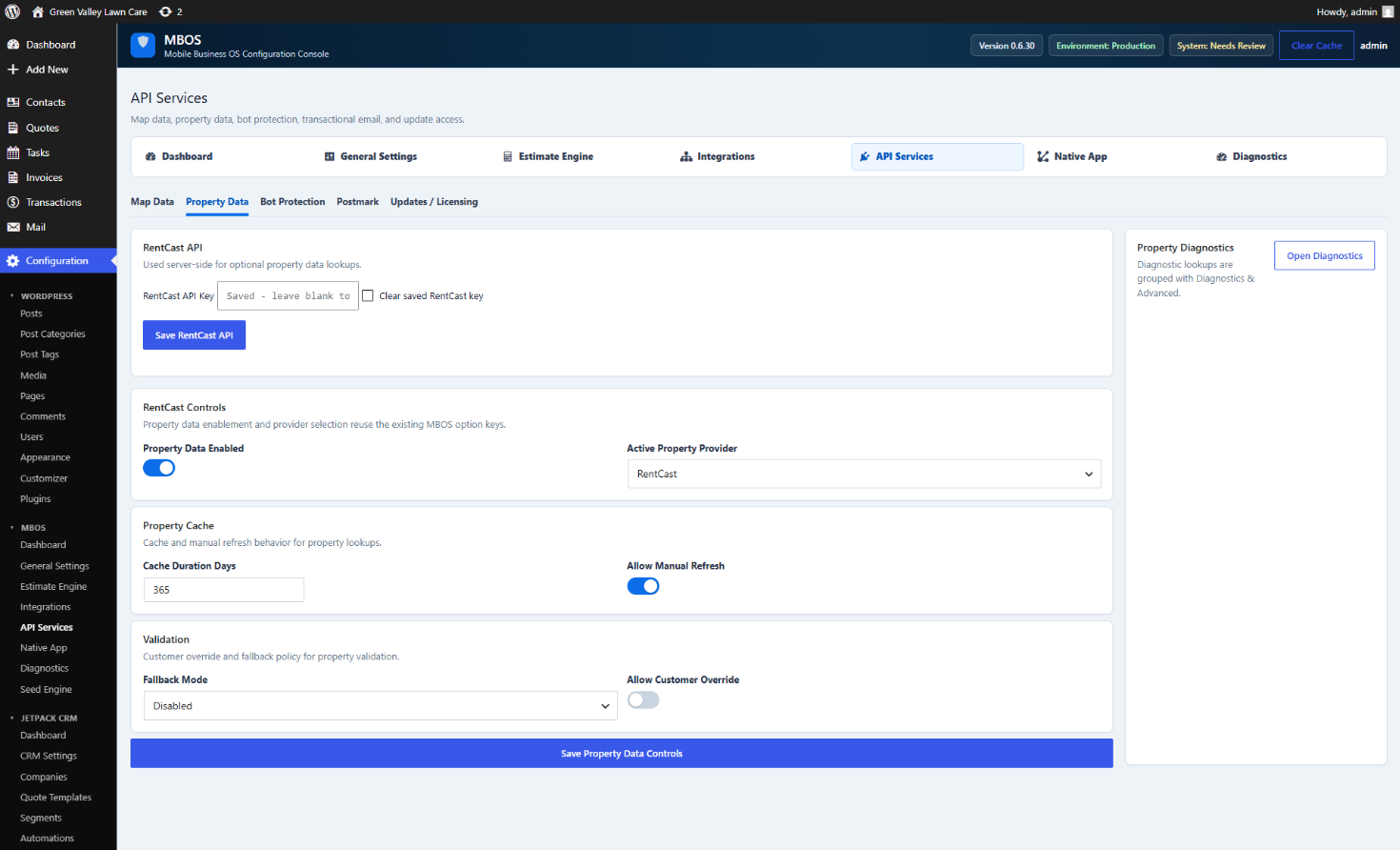
Navigate: MBOS → API Services → Property Data
What does this control?
Connects optional property-data lookups and validation workflows.
How do I configure it?
- Enter the RentCast API Key.
- Click Save RentCast API.
- Enable Property Data.
- Select RentCast as Active Property Provider.
- Save Property Data Controls.
Why is this useful?
Property information can support estimate inputs, validation, and diagnostics.
How do I verify it?
- Open Property Diagnostics and test a valid address.