Chapter 5.5
Personalize the Services section
Update the section copy while managing service cards inside MBOS.
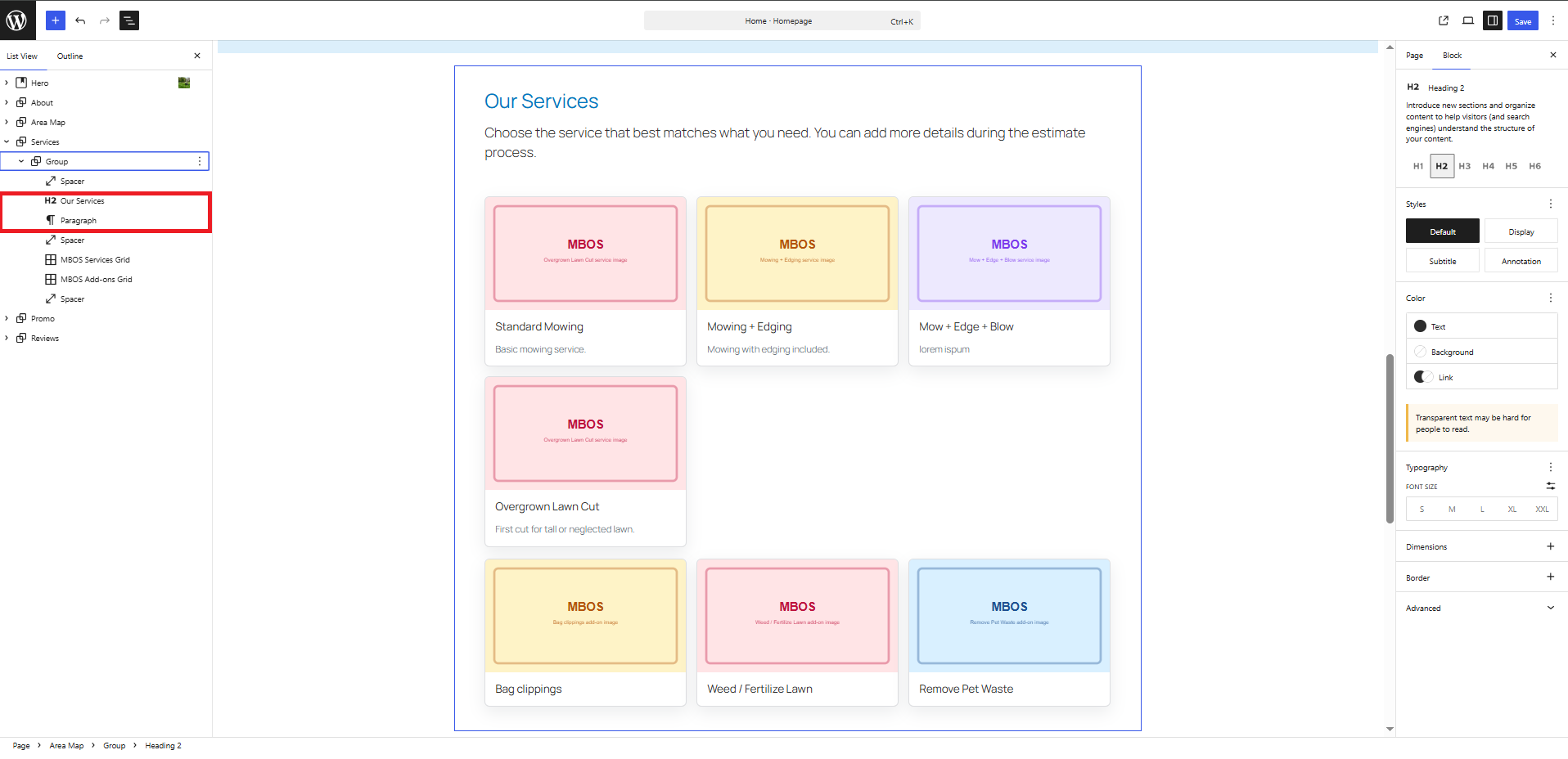
Navigate: Gutenberg → List View → Services
What does this control?
The page contains MBOS Services Grid and Add-ons Grid blocks; individual cards are not edited in Gutenberg.
How do I configure it?
- Update the section heading and introduction.
- Do not remove the MBOS grid blocks.
- Edit services under MBOS → Estimate Engine → Services.
- Edit add-ons under MBOS → Estimate Engine → Variables.