Chapter 4.1
Configure WordPress General Settings
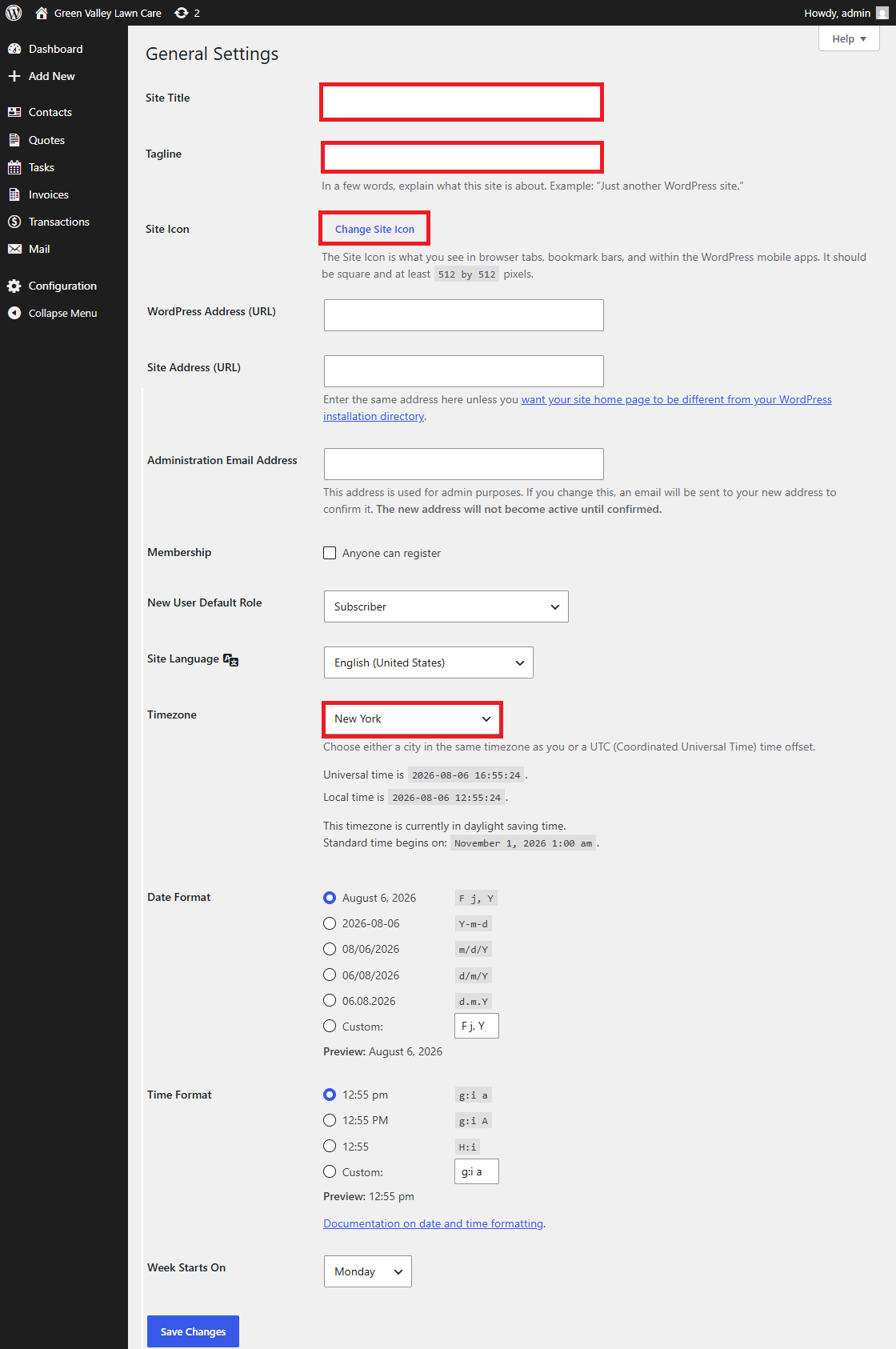
Set the site title, tagline, site icon, timezone, and date/time preferences.
Navigate: WordPress Dashboard → Settings → General
What does this control?
These settings establish the site identity and local time used by WordPress and MBOS.
How do I configure it?
- Enter the business name as Site Title.
- Enter the business slogan as Tagline.
- Upload a square Site Icon of at least 512 × 512 pixels.
- Choose the business’s local timezone.
- Save Changes.
Why is this useful?
Dynamic Site Title and Site Tagline blocks use these values throughout the website.
How do I verify it?
- Confirm the browser title, Hero, and Footer show the correct identity.