Chapter 4.3
Configure WordPress Reading Settings
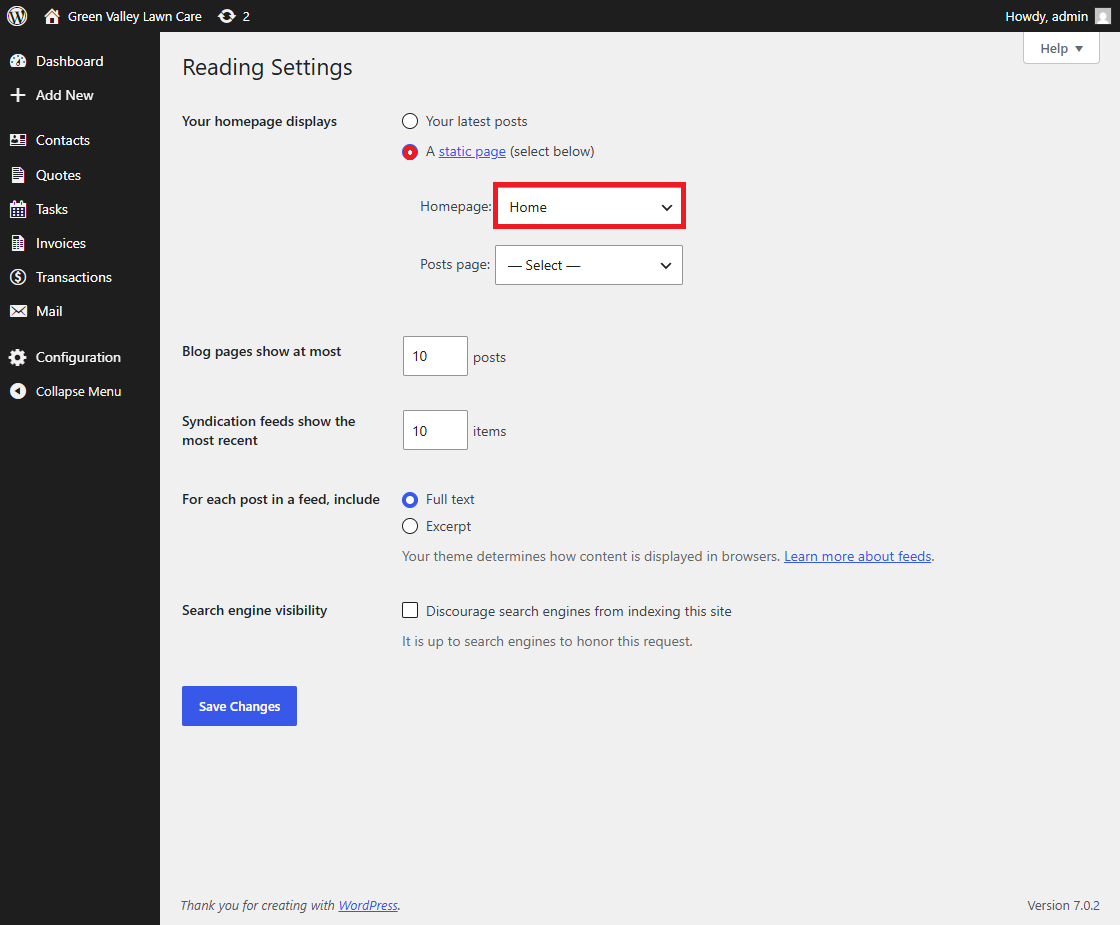
Controls the homepage, posts page, and search-engine visibility.
Navigate: WordPress Dashboard → Settings / Tools
What does this control?
Controls the homepage, posts page, and search-engine visibility.
How do I configure it?
- Review the screen.
- Change only settings required by the deployment.
- Save changes where applicable.